Shared storage workflow tool

Restore, backup, and create Pro Tools sessions remotely across your network.

Session Commander handles direct SSH-based transfers between storage and working locations, plus template creation, setup, users, and notifications in one browser app.

Useful when someone needs to prep the next session before the current one wraps.

  • Restore and backup
  • New sessions from templates
  • Naming schemes
  • Multi-location setup
  • Users and auth
  • Email alerts
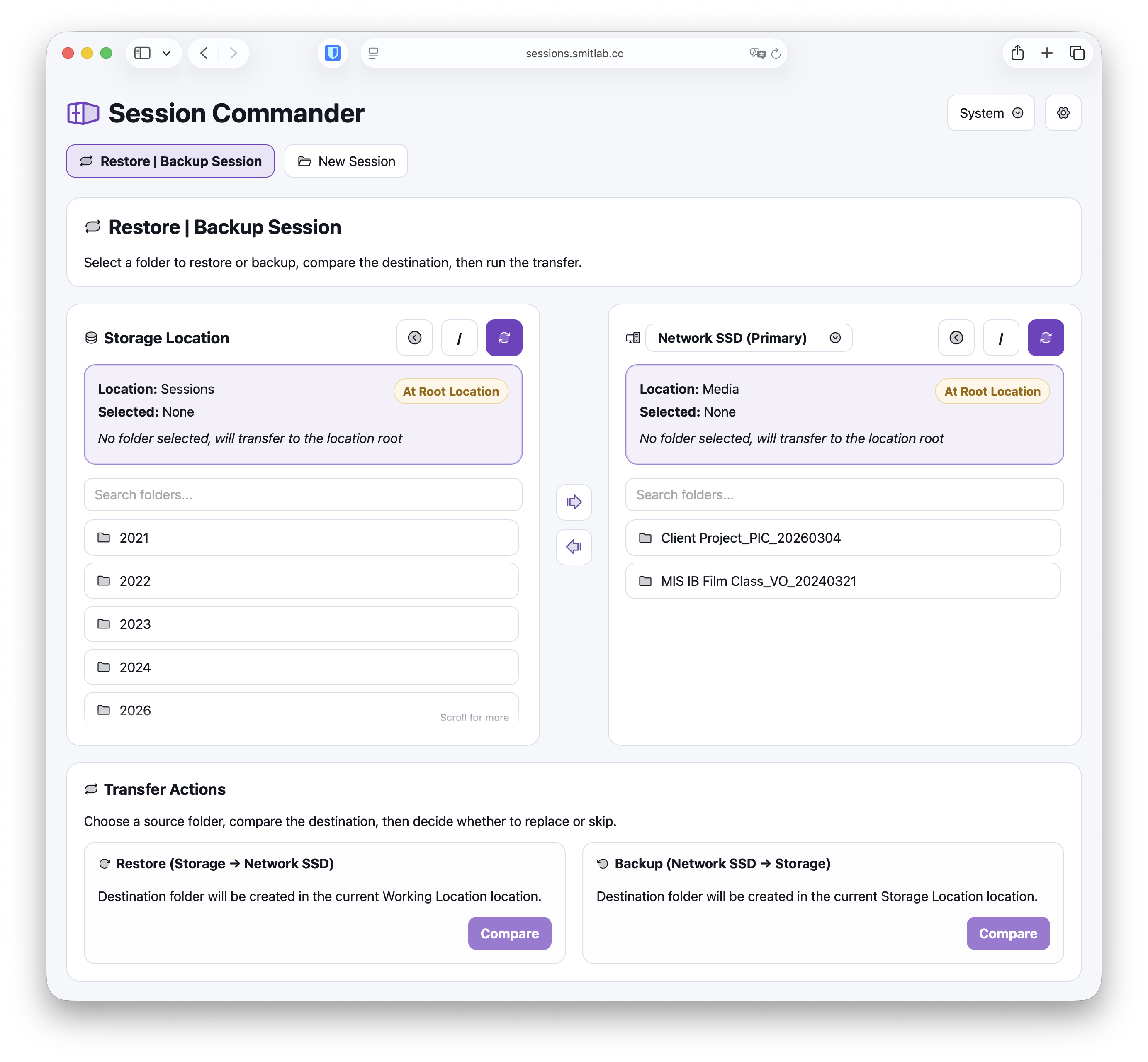
Session Commander showing side-by-side storage and working locations for direct session transfer

At a glance

  • Direct storage to working transfers
  • Compare before replace
  • Template-based new sessions
  • Saved naming schemes
  • Optional authentication
  • Email alerts

Workflow

Move sessions between storage and the room fast.

The main view is built for quick handoffs: browse both sides, choose the session, and run the transfer with the important details visible.

  • Restore or back up between storage and working locations.
  • Check size and modification dates before replacing.
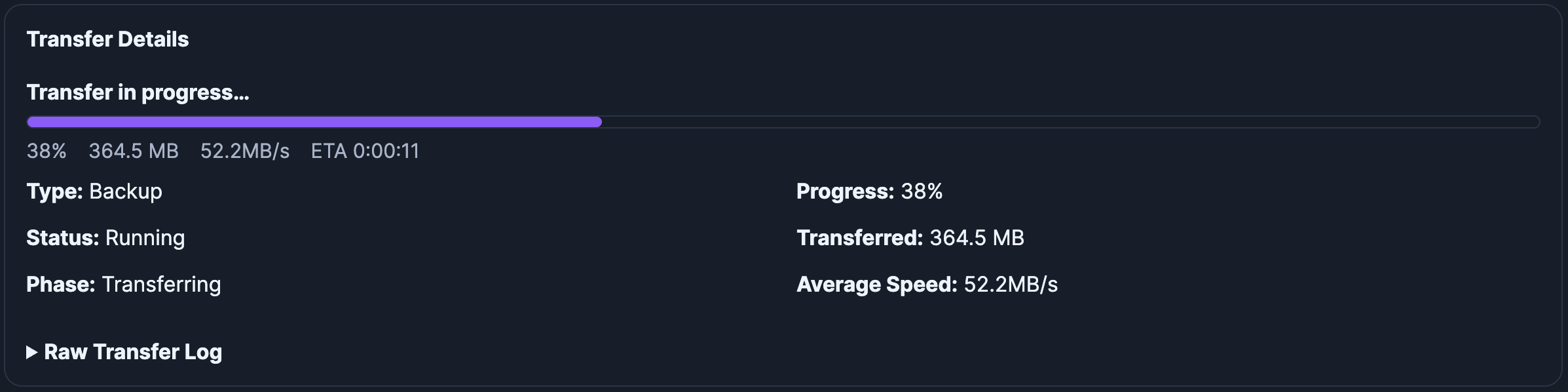
  • Track progress, speed, and transfer logs during long copies.

Templates

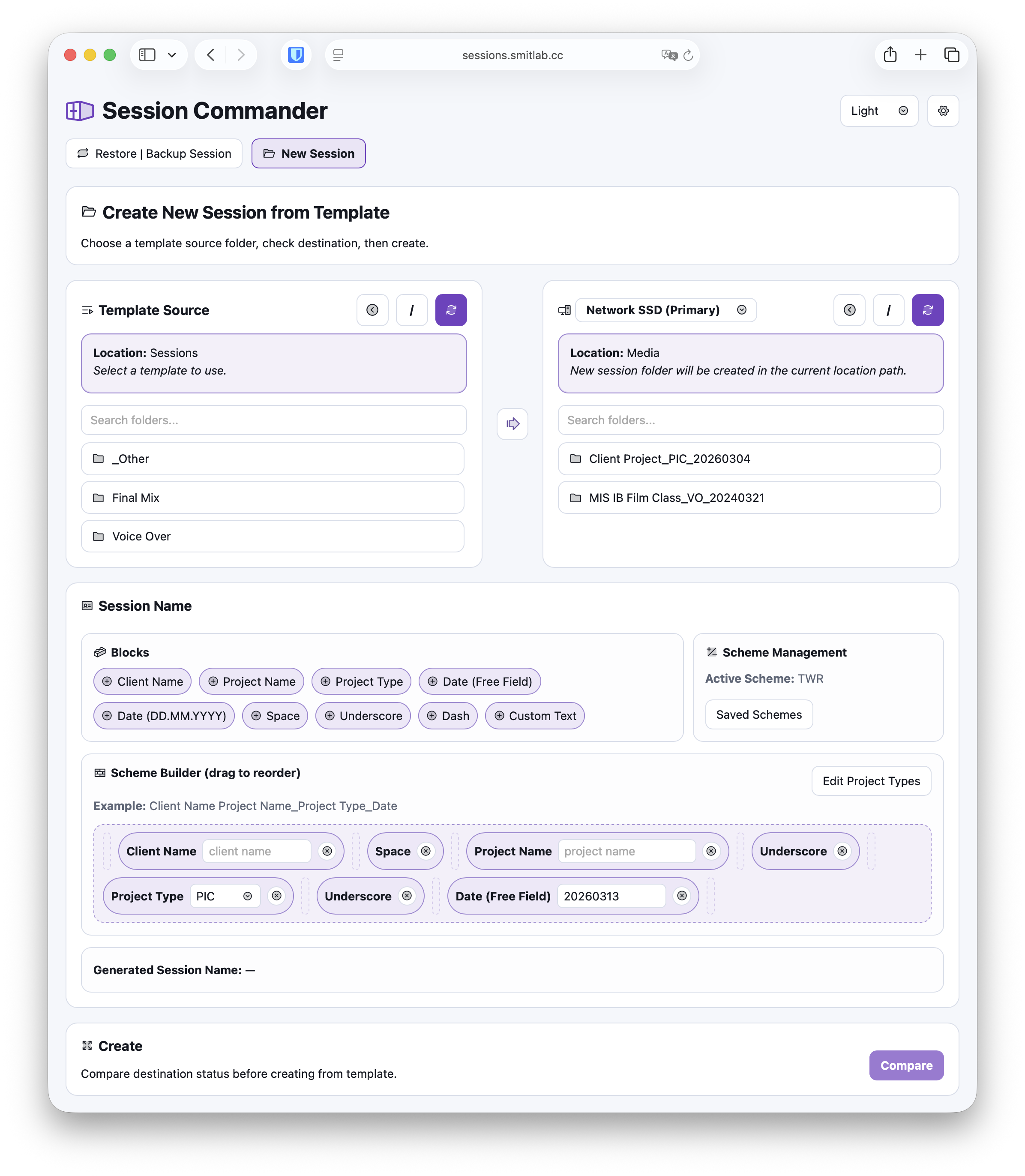
Create a new session from a template without leaving the flow.

Template source, destination, compare checks, and naming all sit together so new-session prep is fast and predictable.

  • Copy from stored Pro Tools session folders used as templates.
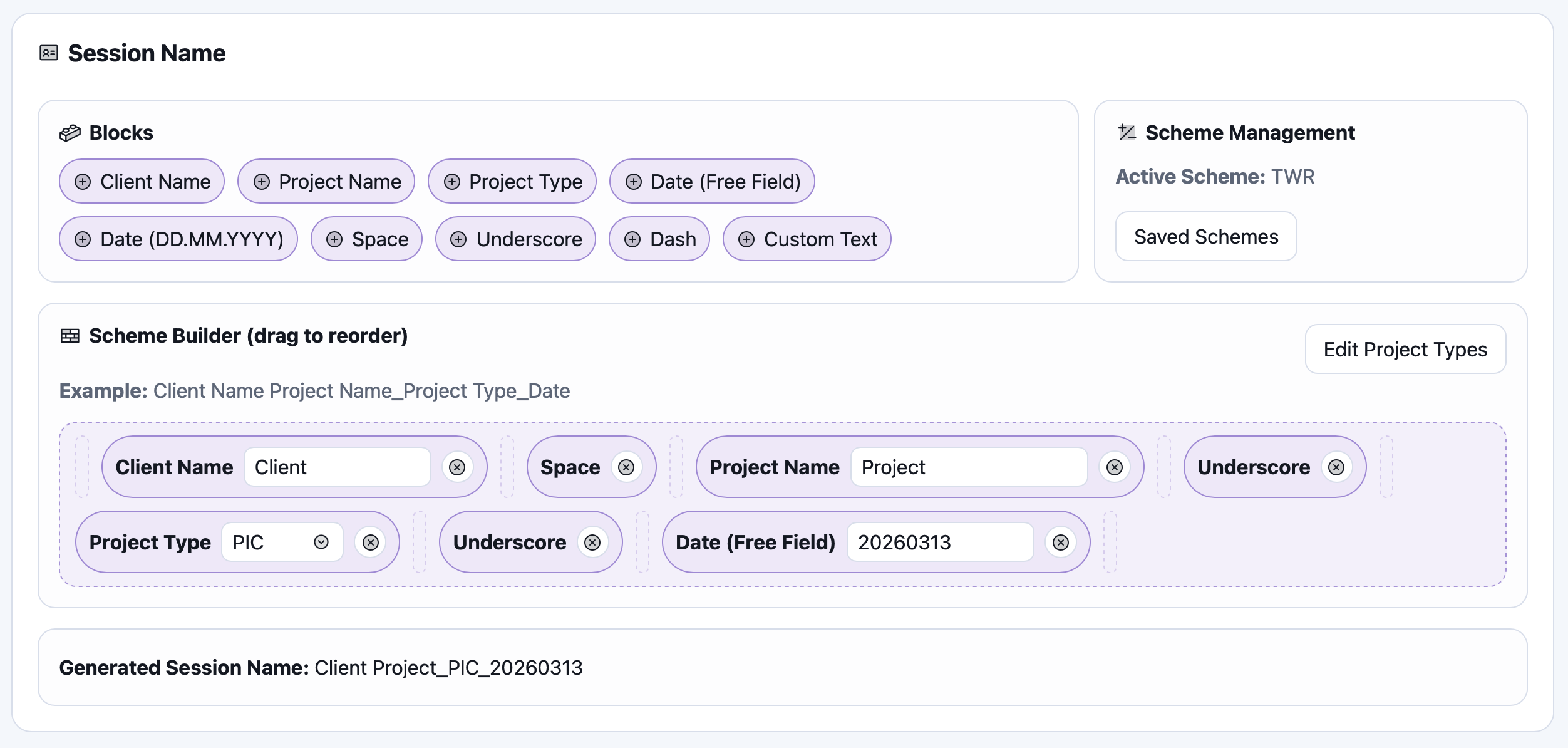
  • Build names from reusable blocks and saved schemes.
  • Compare the destination before creating the new session.

Setup and controls

Configure trust once, then hand it to the team.

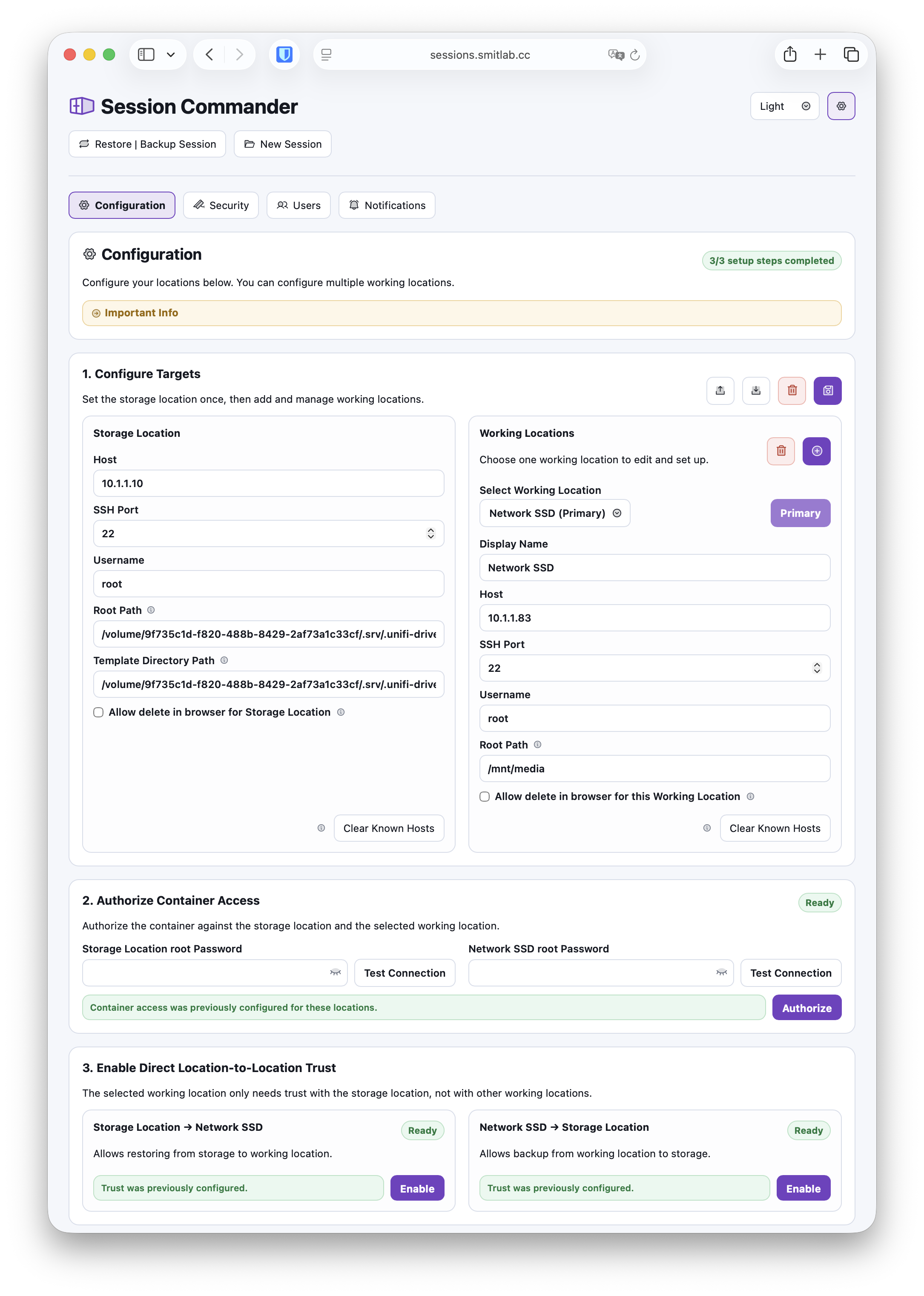
Setup handles the SSH trust model, while auth and notifications make the tool practical in a shared studio environment.

  • Authorize container access and direct trust in both directions.
  • Support storage, working, and multi-room configurations.
  • Enable users, sign-in, and SMTP alerts when needed.

Storage

Backups and template source.

Working

Destination share or local folder.

Container

Coordinates SSH without relaying files.